
I've been roaming the post-apocalyptic world of Wuthering Waves since its early days, and by early 2026 I’d already clocked in hundreds of hours. I knew every dodge timing by heart, had my rotation muscle memory burned in, and could probably navigate the map blindfolded. And yet… something was missing. That fresh spark, that little extra magic that makes a familiar game feel brand new again. That’s when I decided to dip my toes into the modding scene. I was nervous at first, worried about bans or corrupted files, but after a bit of research I found a whole community of safe, curated mods that promised to enrich my game without triggering the anti-cheat. So, here’s the story of how a handful of clever modifications transformed my daily routine in Wuthering Waves, and how you can easily do the same.
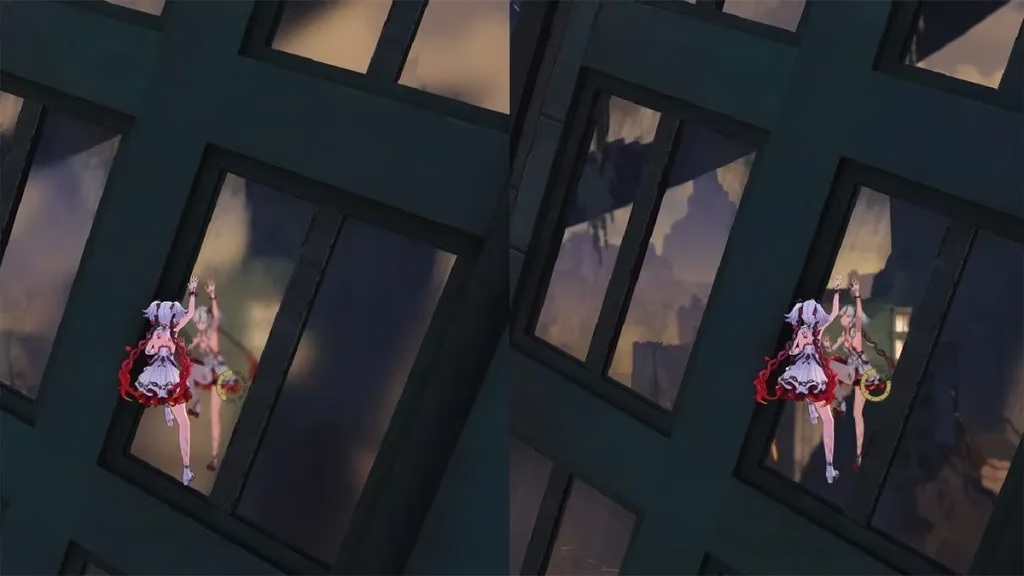
Like many others, my first concern was performance. My rig isn’t exactly a powerhouse, and I’d get these annoying FPS hiccups every time I whipped the camera around during combat. Shadows also looked blocky, and distant landscapes seemed to choke my frame rate. Enter the Improve performance and visuals mod. I installed it in less than a minute and immediately noticed the change. Character shadow resolution became crisp without tanking my frames, the camera swings stayed buttery smooth, and those far-off clutter objects that used to hog resources were now streamlined. It felt like someone had quietly oiled every gear inside the engine. The improvement was so stark that I actually replayed a couple of boss fights just to enjoy the new fluidity.
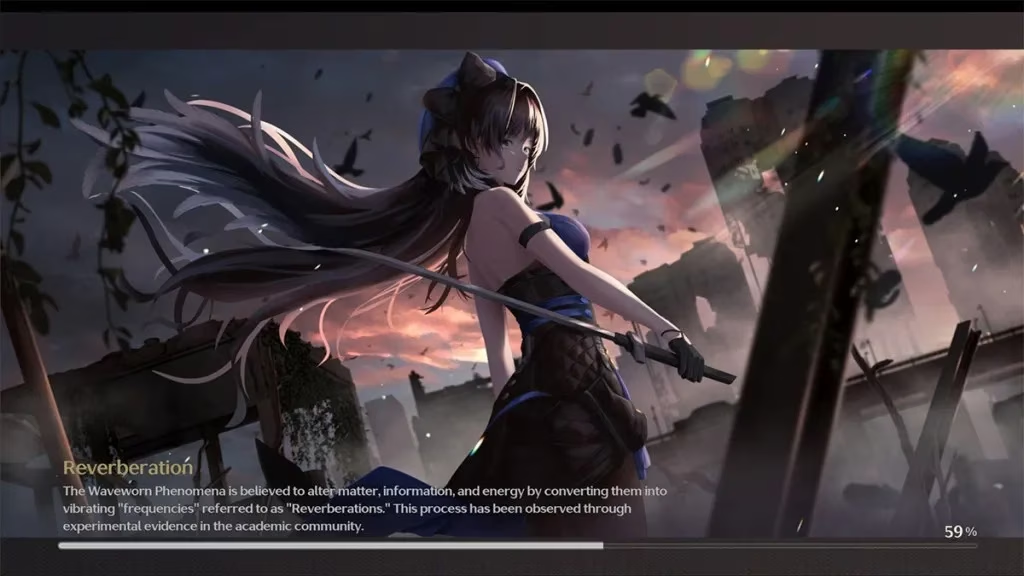
After solving performance, I turned my attention to something I never realized bored me until I changed it: loading screens. The default ones are fine, but when you see them a hundred times a session, they become invisible wallpaper. The Animated Static loading screens mod (yes, the name is an oxymoron) injected a huge dose of variety. It’s a simple 2GB download that swaps in dozens of beautiful, SFW artwork—some animated, some static. The moment I fired up the game and was greeted by a sweeping vista of the Celestial Steppes instead of the usual silhouette, I actually smiled. What’s even cooler is that the modder includes instructions to add your own custom images or videos, so I’ve already drafted a folder of my favorite concept art. Now every load feels like a tiny gallery visit.
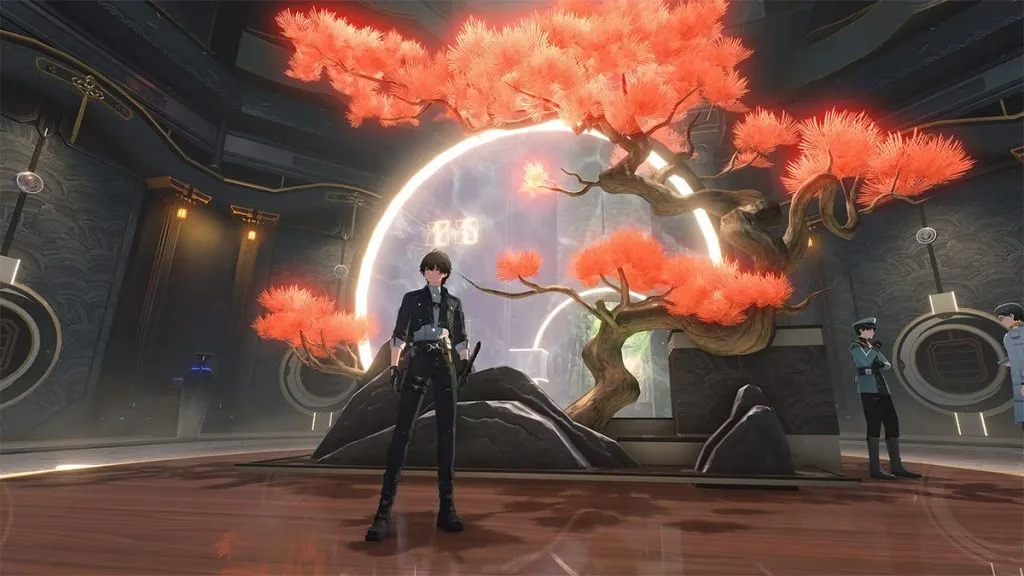
Next came the deep visual tweaks. I’m a sucker for ray tracing and clean edges, but the in-game settings felt limited. The Better Graphics mod unlocks several hidden options. Suddenly I could dial up TAA anti-aliasing for smoother lines, boost ray tracing reflections to make puddles actually convincing, adjust render distance for far-off mountains, and tweak color saturation. I spent an entire afternoon just tweaking sliders like a digital photographer. The game looked richer, more detailed, without a noticeable performance cost—though I did keep my rig’s fans spinning. It was a step closer to that cinematic trailer feel, but now playable.
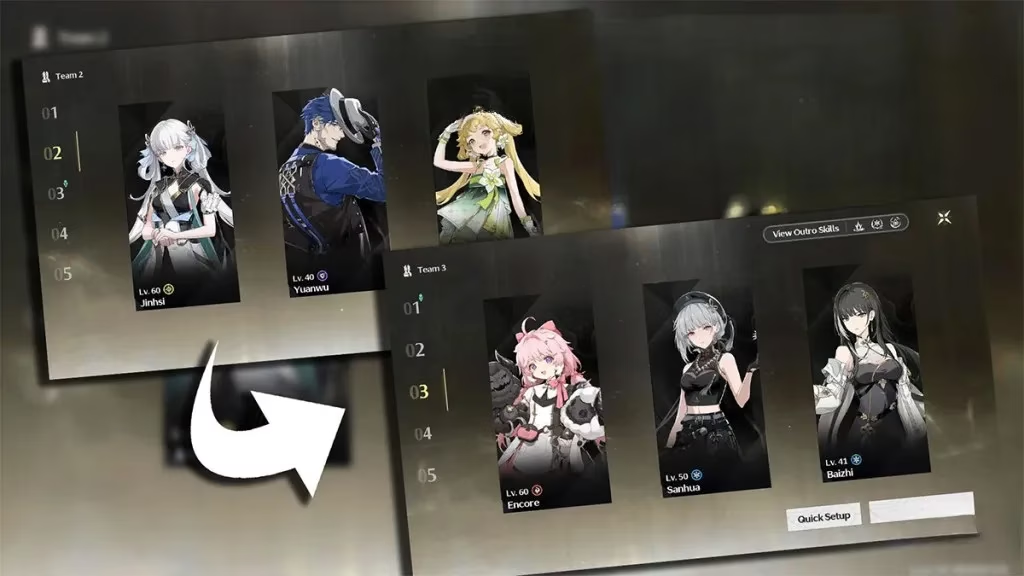
Then came my absolute favorite, the one mod I now consider essential. Quality of Life shortcuts adds keyboard combos that shave seconds off routine actions—seconds that add up quickly when you grind for echoes. Pressing CapsLock + a number instantly swaps to a preset team, CapsLock + Q/W zooms the camera, and the real jewel: CapsLock + J opens the Echo Selection screen for the active resonator. No more digging through menus mid-fight. I rebound CapsLock to a side mouse button and now switching teams feels like a hotkey weapon swap. It’s so seamless that I’m annoyed it isn’t built into the base game.
Two smaller mods completed the quality-of-life overhaul. Intro Skip does exactly what it says: it bypasses those logo splash screens and warning prompts, launching me straight to the login screen. Not a game-changer, but when you’re booting the game five times a day to test other mods, the saved frustration is real. The Font Replacement mod might sound trivial, but having a choice of crisp fonts like Montserrat Bold or the whimsical Pocket Monk made scanning inventory stats much easier on the eyes. I settled on a clean sans-serif that turned dense equipment pages into something almost elegant.
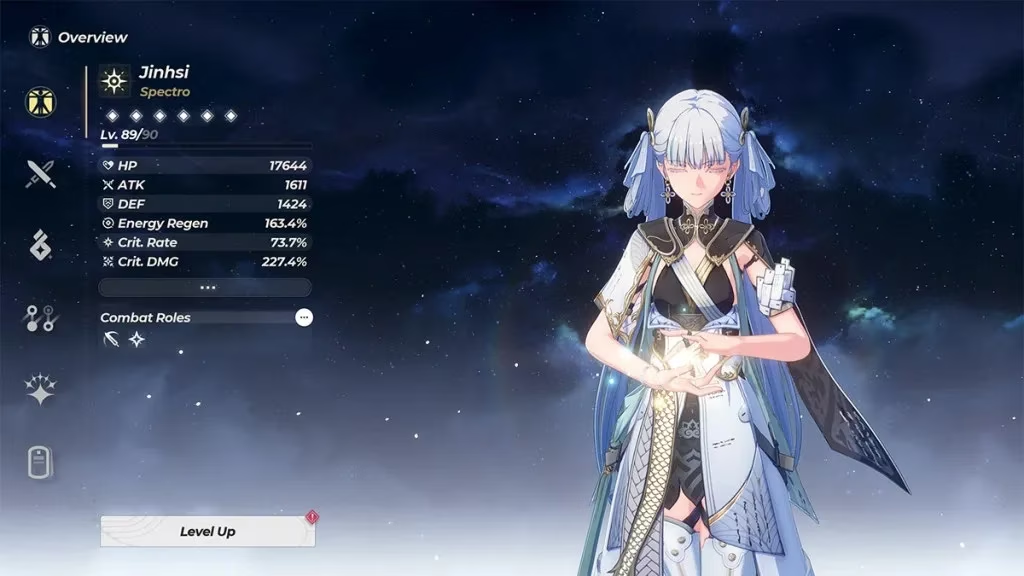
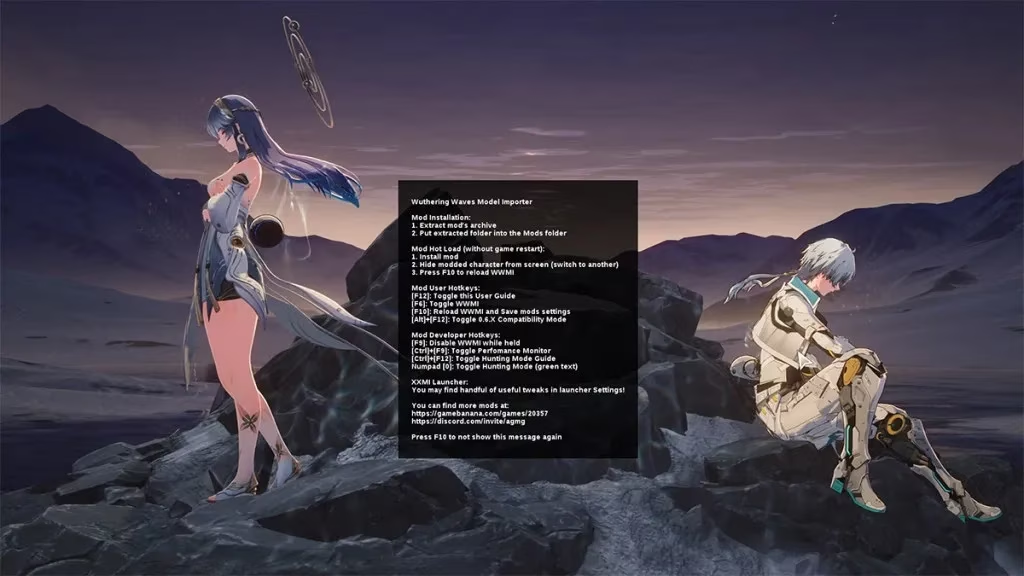
Of course, no modding journey is complete without venturing into the more ambitious territory: custom 3D outfits. This required a tool called WWMI (Wuthering Waves Mod Installer), part of the XXMI launcher suite. I’d heard horror stories about performance drops and antivirus false positives, so I approached cautiously. The installation was straightforward: download the launcher, select Wuthering Waves from the game list, point it to the game’s installation folder, and then drop outfit mods into the created Mods folder. I pressed F10 in-game to see a configuration window, and after a bit of fiddling, my character stood before me in a stunning custom ensemble.
But it wasn’t all smooth sailing. The first time I saw a glitched texture mashup instead of the new outfit, my heart sank. Restarting the game after each new mod installation solved it, as did switching to an unmodded character and hitting F10 to reload. I also found a community-made WWMI fix that, when placed in the game directory, ironed out a lot of the jank. Still, the performance hit was real. My average FPS dipped by about ten, and the game stuttered during heavy particle effects. I eventually uninstalled the outfit mods—my PC simply wasn’t beefy enough to handle the extra load comfortably. The lesson: WWMI opens a door to incredible visual customization, but you need a powerful machine and a willingness to troubleshoot. If you decide to go that route, always back up your saves and tread carefully, especially in post-2.0 updates where compatibility can break.
Looking back, modding Wuthering Waves in 2026 has been a delightfully safe and transformative experiment. The performance tweaks alone reinvigorated my gameplay, the visual enhancements turned a pretty game into a stunner, and the shortcuts made me a more efficient Rover. Sure, I hit a small hiccup with 3D models, but that was more my hardware’s fault than the mods’. If you’re craving a breath of fresh air without risking your account, start with the quality-of-life and graphics mods—they’re easy, safe, and genuinely improve the daily grind. And if you ever dive into outfit swapping, just remember to keep an eye on those frame times. Happy modding, and may your echoes always roll Crit Rate!
As you dive deeper into the world of modding, it's essential to remember that while these enhancements can significantly elevate your gaming experience, they can also demand more from your hardware. Keeping your system updated and ensuring you have a robust setup can make all the difference. It's a balancing act between performance and aesthetics, but one that truly pays off when you strike the right chord.
Alongside modding adventures, balancing your budget for new game releases or upgrading your hardware can be just as crucial. If you're on the lookout for the best game deals to enhance your collection or boost your PC's capabilities without breaking the bank, checking out reliable sources can be a game-changer. Deals allow you to expand your gaming horizons while keeping expenses in check, ensuring you get the most out of both your mods and new titles.
0 Comments